🌐 How to Change the Favicon Icon on Your Website
A favicon is the small icon that appears in your browser tab next to the site title. Updating your favicon helps strengthen your brand identity. With CloudMySite’s web builder, you can easily change it.
🔎 Step 1: Check Your Plan
Before you begin, confirm which hosting plan you have:
- Webpage plan
- WordPress hosting
- Joomla hosting
- Drupal hosting
This guide will walk you through the Webpage plan.
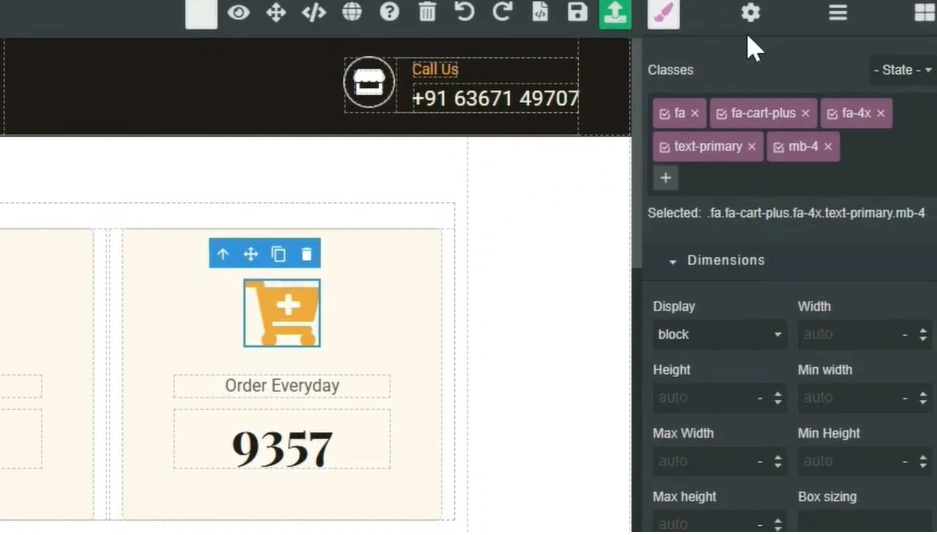
🛠️ Step 2: Open the Web Builder
- Go to Webpage Plan in your CloudMySite account.
- Click on Web Builder → Site Builder.
- Here, you’ll see the option for Favicon Icon.
📥 Step 3: Search or Upload Your Favicon
- Search for a favicon icon in the builder’s library.
- Example: If you’re running a gym website and the gym favicon isn’t available, you can upload your own.
- Simply click Upload and select your favicon/logo file.
✅ Step 4: Apply and Save
- Once uploaded, your favicon will appear immediately in the preview.
- Save your changes.
- Your favicon icon is now live on your website.
🎯 Final Result
With these steps, your website’s browser tab will display your custom favicon, giving your site a more professional and branded look.
